
Your business, connected.
We bring your team, customer information and outside systems into one workspace. We handle setup and ongoing integration work so you can focus on running the business.

Build and preview a private website draft. Choose a plan when you are ready to publish.
Keep customers, conversations, jobs and billing connected.
Discuss a website, app or integration shaped around your workflow, with scope agreed together.
Build with Sites yourself, or work with us on the right setup and guided onboarding.
Less chasing. More doing.
Give the office and field team one place to pick up the next step. Conversations, approved work, schedules and billing stay connected. Business OS is in guided beta, with marine workflows in use and construction onboarding underway.
Service Hub & approvals
Connect requests, quotes, work orders and invoices to one customer record, with signed approvals kept alongside the job.
Scheduling & dispatch
Plan visits with drag-and-drop scheduling, routing and drive-time indicators, while technicians see only their assigned work.
Team communication & calling
Bring email, text and phone together, with supported one-click VOIP calls that don’t expose technicians’ personal numbers.
Photos & video sharing
Share photos and videos through secure links instead of SMS or MMS.
Time, costs & payments
Track labor to understand job cost and margin, and keep invoices and Stripe payments connected to the customer record.
Mobile access
iOS app in beta, with admin-to-technician tools, payment management, and instant payouts available.*
*Instant payouts subject to Stripe eligibility and availability.
Early adopters receive access to our iOS beta. Android is planned.
Select an example to view it larger. Product interfaces shown with sample data.
From first visit to finished work.
A first inquiry should lead to finished work, not another round of chasing details. Keep the customer, the conversation and the next step connected from start to finish.
Website
Publish pages and capture the request in Sites.
Intake
Keep the request in Sites or bring it into CRM for assignment and follow-through.
Quote & approve
Build the quote, send it, and capture approval with X-Sign.
Field work
Schedule, dispatch, track time, document the job, and share media.
Invoice & payment
Send the invoice and keep payment activity on the same timeline.

Your workflow. Your next move.
Keep your existing website, build with Sites, or discuss a custom app or integration. We agree on the scope together and shape the setup around your work. Core Business OS workflows run independently of AI, with optional automation developing where it can genuinely help.
Make your website the start of something.
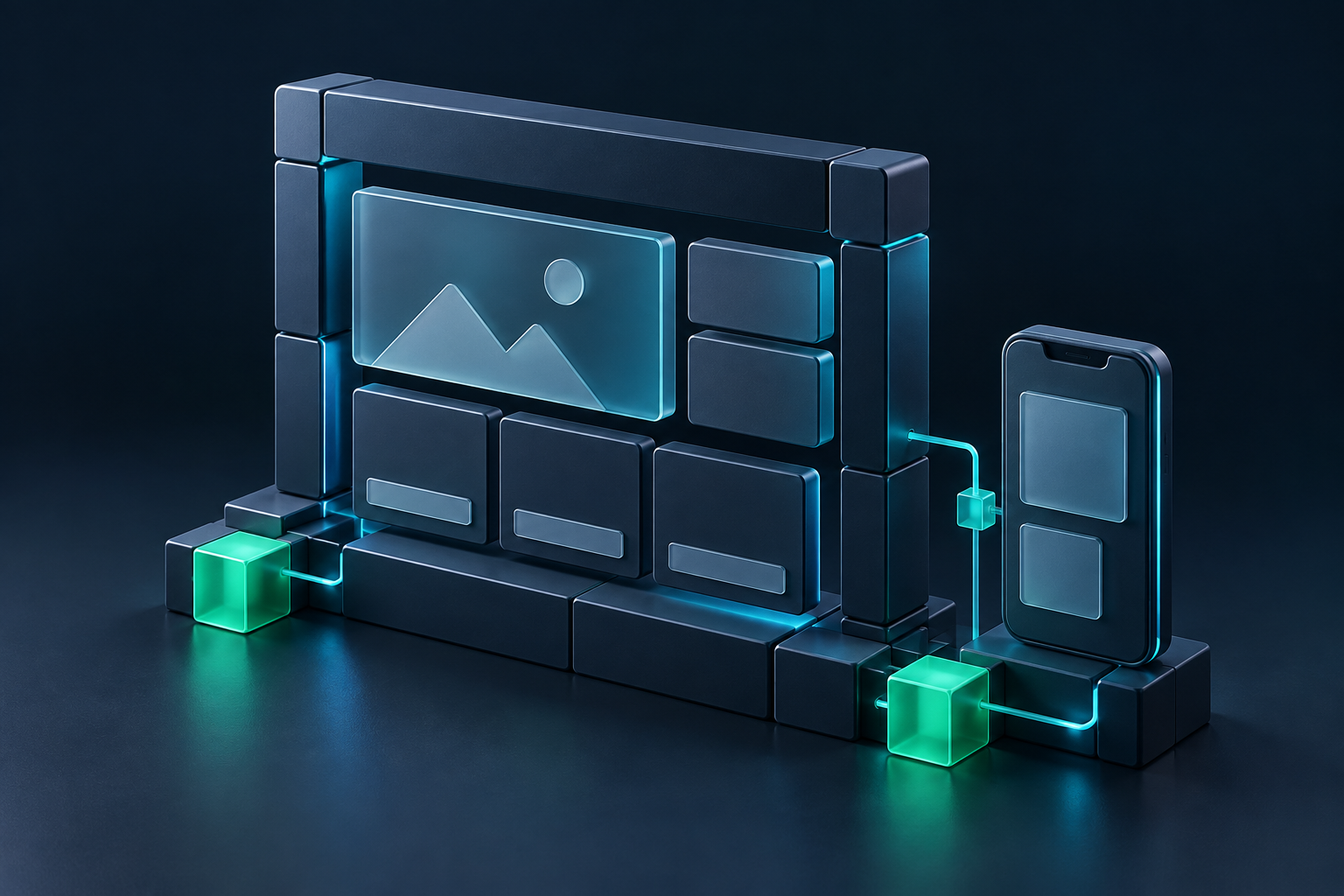
Start with a private Sites draft. Build responsive pages, review across devices and choose a plan when you are ready to publish. Work independently or discuss a guided build. Add Business OS to connect inquiries with the work that follows.
Responsive editing across desktop, tablet, and mobile
Structured content and reusable styles
Controlled publishing with preview, checks, and rollback
Straightforward pricing. A clear next step.
Choose a Sites publishing plan or discuss advanced Business OS workflows and custom integration support. Usage-based services and custom project costs are explained upfront, with scope agreed together.