Build a professional website without wrestling with the stack.

X-Ploy Sites is launching now with guided pages, flexible sections, brand controls, SEO checks, managed previews, custom domains, and CRM-connected forms in one builder.

Design system

Brand and design

Control typography, color, imagery, responsive layouts, reusable sections, and page structure.

Explore Sites
Launch control

Managed publishing

Review managed previews, run launch checks, connect SSL and domains, and publish deliberately.

Request launch access
Connected workflow

CRM-ready lead capture

Turn website requests into usable customer records and follow-up instead of disconnected email.

See the workflow
How it works

From first draft to a live, CRM-connected site.

Choose a starting point, shape the pages and sections, preview every screen, then connect publishing when the content is ready.

1

Choose a starting point

Begin with guided pages, a template, or a reference structure that fits the business.

2

Shape every page

Set the brand, navigation, layouts, sections, media, forms, search metadata, and mobile behavior.

3

Preview and launch

Review the managed preview, resolve launch checks, then connect publishing and the chosen domain.

Before and after

Design for the business you actually run.

Build with flexible layouts, responsive controls, typography, color, media, forms, and integrations—without separating design from the customer workflow.

Managed experience

One website, one operating path

Replace disconnected pages and lead inboxes with a managed site that can hand customer intent into X-Ploy.

Disconnected website pages and lead inboxes before X-Ploy Sites.
Before
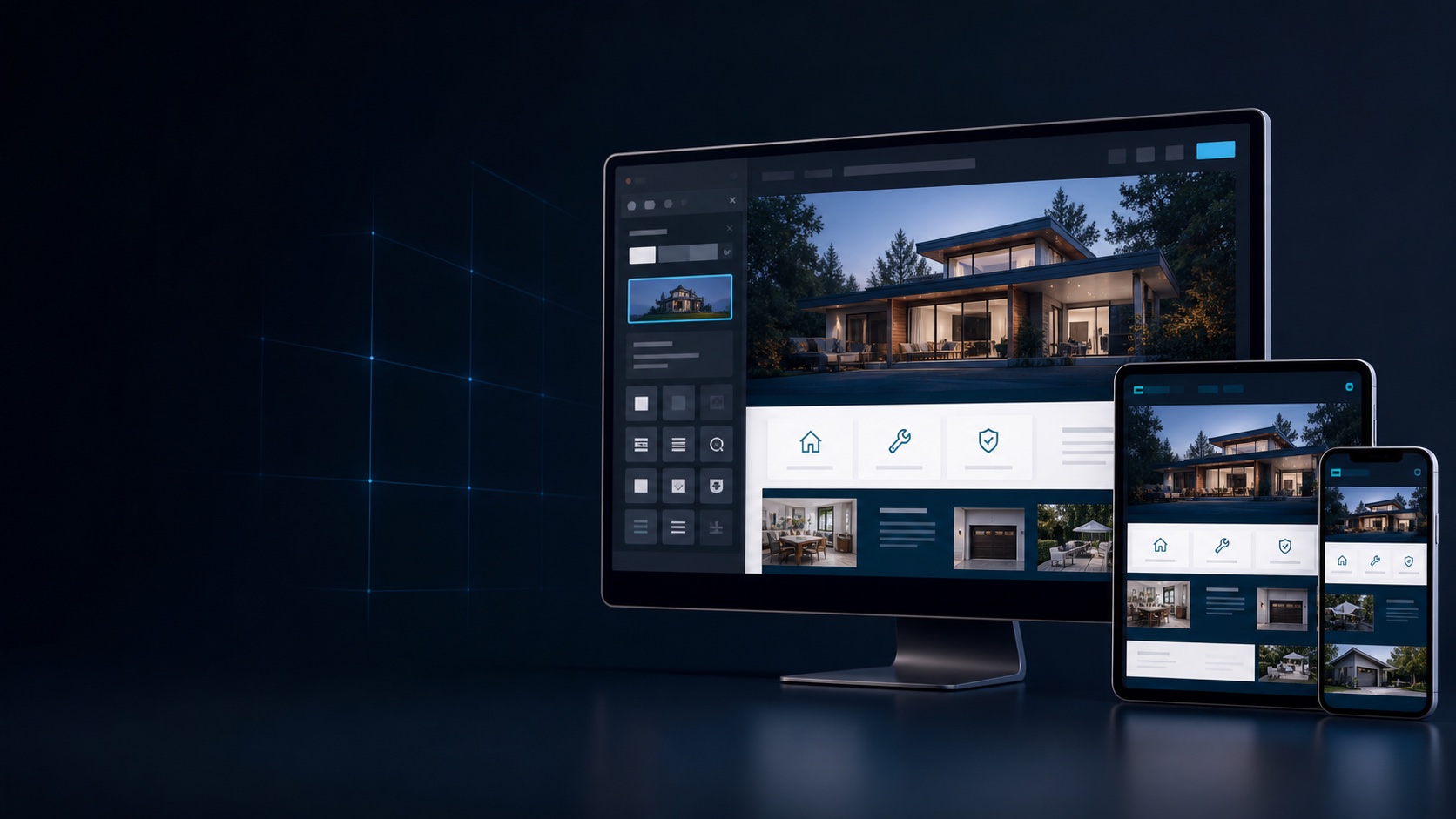
X-Ploy Website Builder shown across desktop, tablet, and phone.
After
Packages

Everything needed to launch with confidence.

Start with editable pages and section sets, then add your brand, search metadata, connected forms, review sources, and domain when each piece is ready.

Launching now

Sites launch access

Build and review a complete managed site while account, hosting, and subscription availability opens in stages.

Request Sites access
Optional

Managed domain onboarding

Connect an existing domain or review a managed registration path with SSL and ownership verification.

Discuss a domain
Managed hosting

Bring your domain—or start with a managed preview.

Every draft includes a managed preview. Custom-domain onboarding and SSL are handled as a separate, verified launch step.

Forms can create clean CRM records and follow-up work instead of leaving leads stranded in a disconnected inbox.

Lead capture

Turn every visit into a usable customer record.

X-Ploy Sites is launching now while standalone accounts, hosting, domains, and billing open in controlled stages. Nothing publishes until the account owner launches it.

Tell us about your business

Share what you want to build, improve, or connect. We will follow up with the right next step.

FAQ

Questions about X-Ploy Sites, answered.

Need help mapping a current site into X-Ploy? Send the existing address and the team can recommend the right starting point.

Question 1

How quickly can I start building?

Launch access is opening in controlled stages, with a managed preview available before any public publish.

Question 2

Can I use my own domain?

Yes. Domain connection and SSL are separate verified steps, and existing infrastructure is not changed without confirmation.

Question 3

Does X-Ploy publish automatically?

No. Drafting, saving, previewing, domain connection, and public launch remain deliberate separate actions.