One place to run the work.
Spend less time piecing together what happened. Keep customer conversations, quotes, approvals, schedules, field records and payments in one workspace. Business OS is in guided beta, with onboarding shaped around your industry and team.
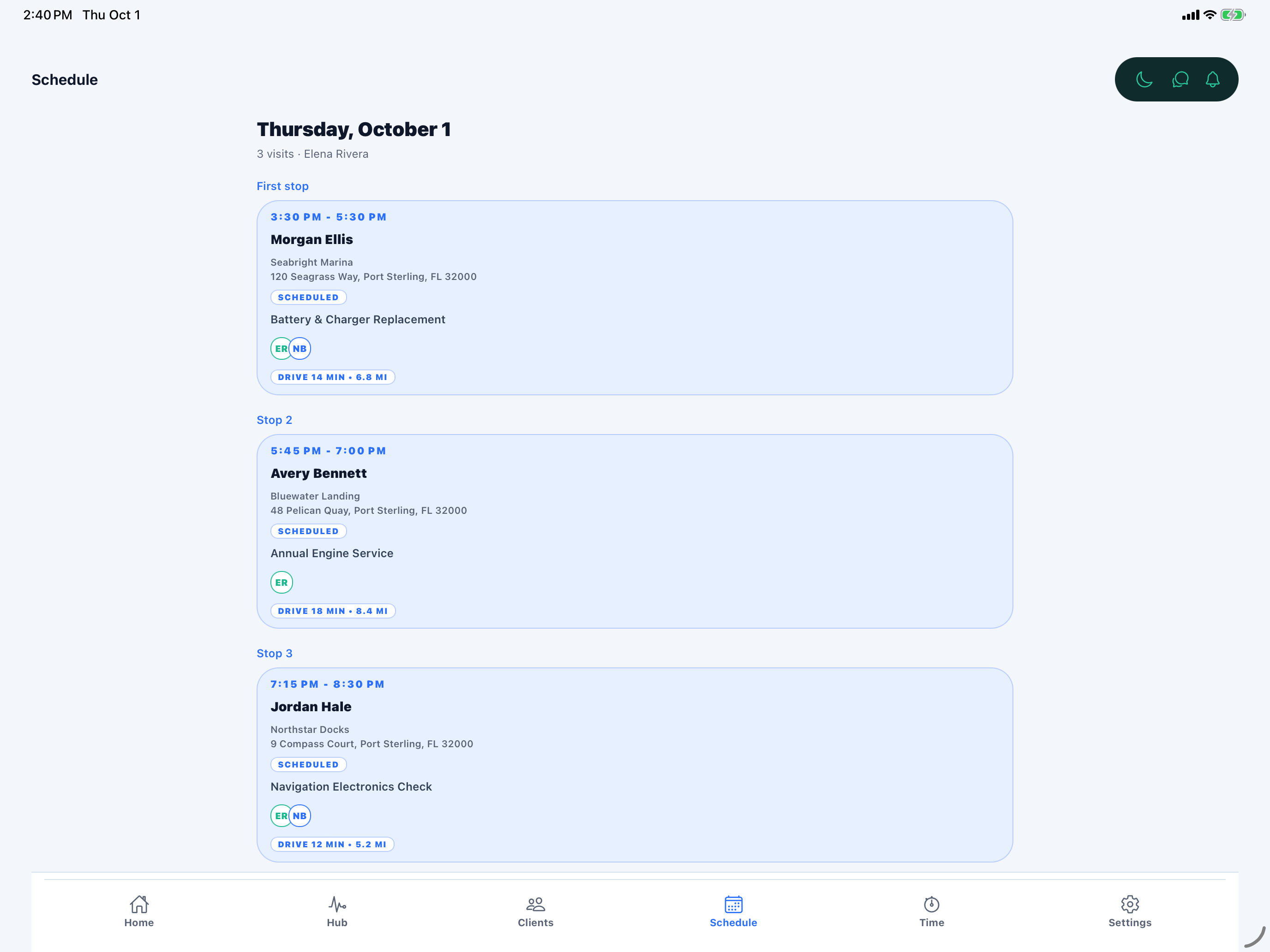
Today’s visits in Service Hub. Product interface shown with sample data.
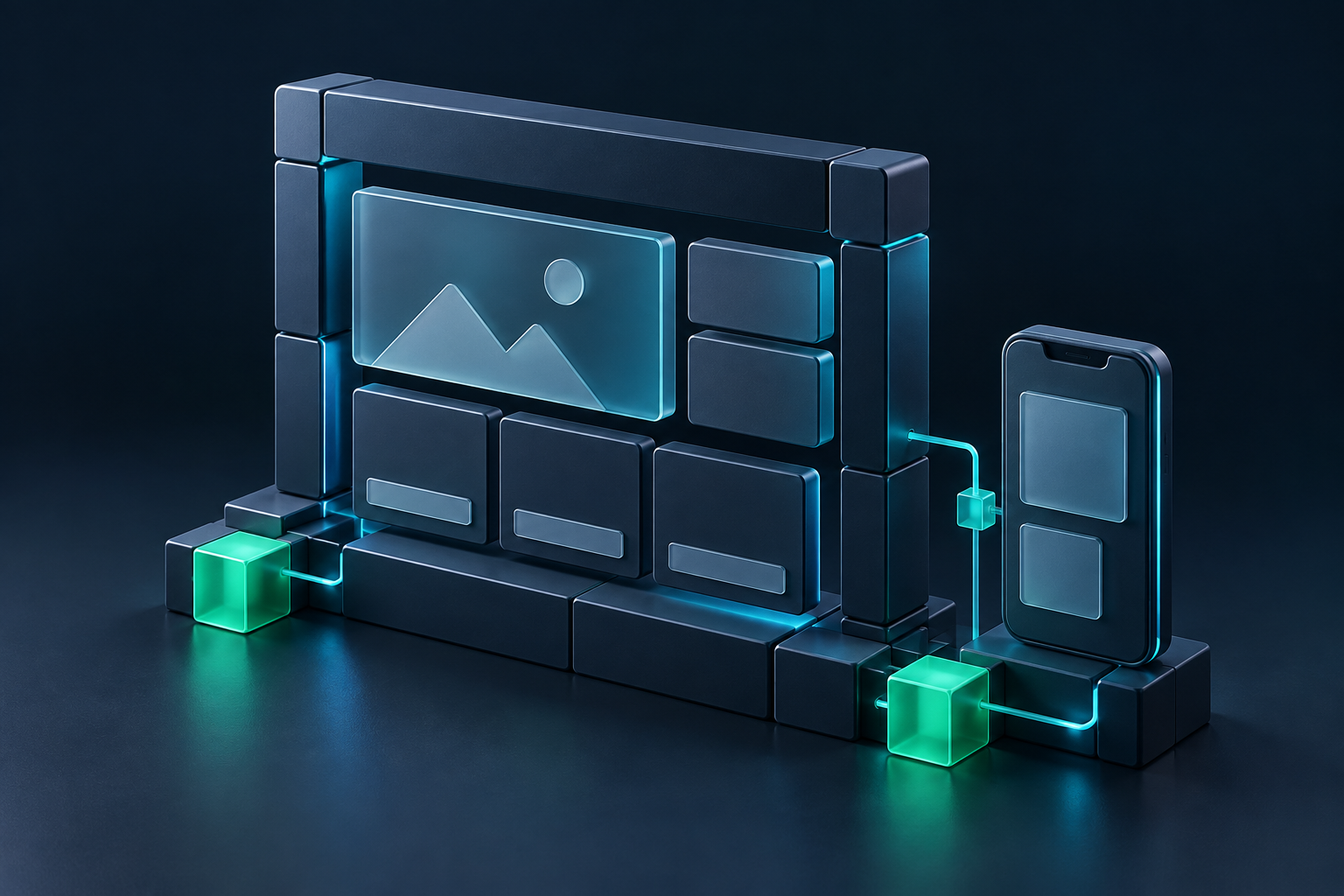
Keep the website you already have.
Your website can keep doing its job. Connect inquiries to Business OS through a request form, without moving your domain or hosting. Or build with Sites for a website and operations workspace that work together.
The full customer story. In one place.
Pick up where the conversation left off. Requests, messages, quotes, approvals, job photos, invoices and payment activity stay attached to the customer, so your team can see the context before taking the next step.

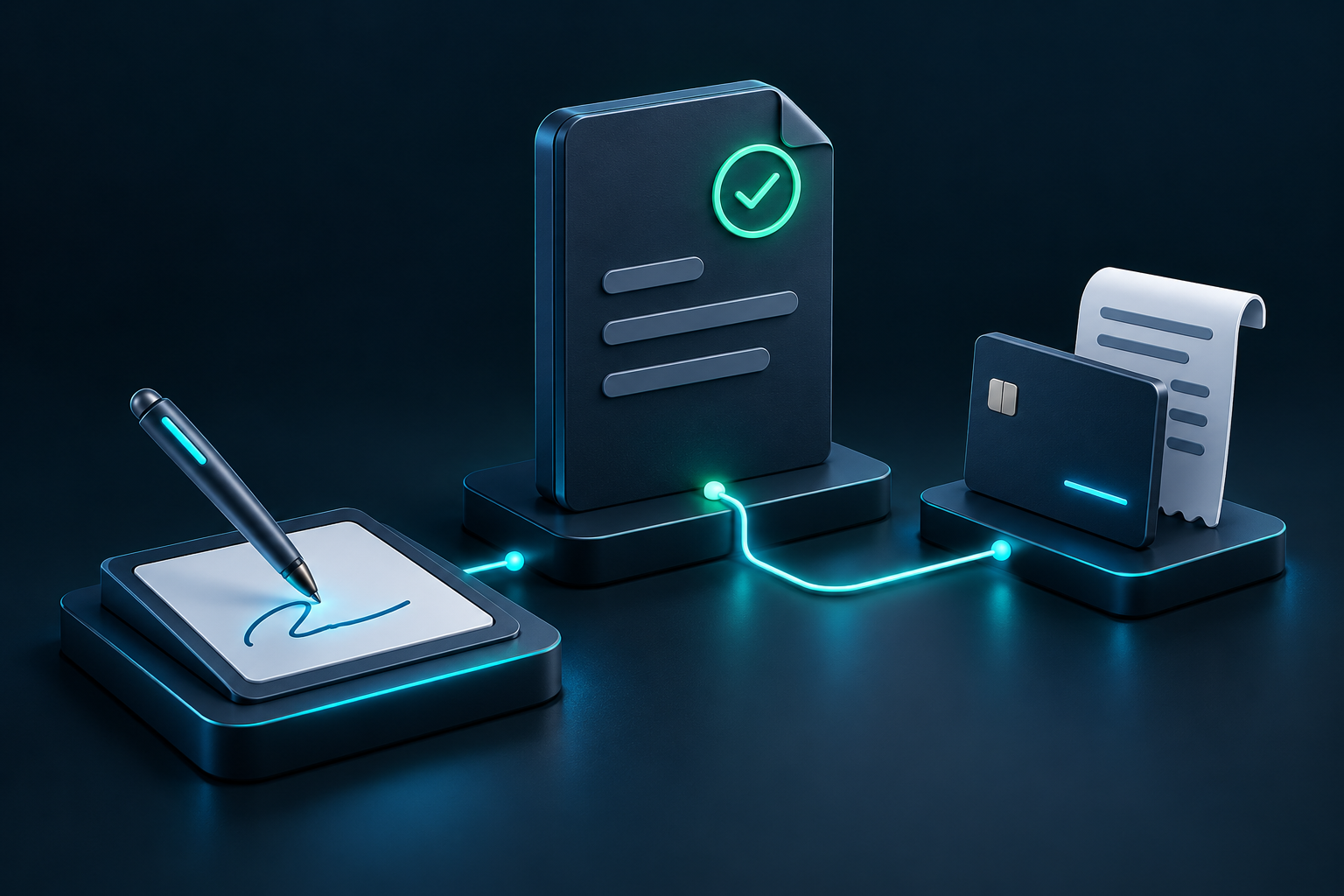
A clear yes. A connected record.
Turn accepted quotes into clear next steps. Use X-Sign for electronic signatures on quotes and related documents, present your terms and consent disclosures, and keep the signed record connected to the customer and job.
Keep work moving beyond the office.
Give your field team the details they need, where the work happens. The iOS app is in TestFlight beta, with assigned schedules, directions, photo uploads, and time tracking for the workday and individual jobs. Keep that field record connected to the office.
Built to work without AI. Ready to grow with it.
Core Business OS workflows run without an AI agent. As optional integrations develop, add automation where it helps and keep people in control of important decisions. Start with the workflow you need today, with room to grow.
Let’s find the right setup for your business.
Tell us how work reaches your team, where it gets held up and what you want to improve. We will walk through Business OS, discuss pricing and guided beta onboarding, and agree on the right next step. Already have access? Sign in below.